


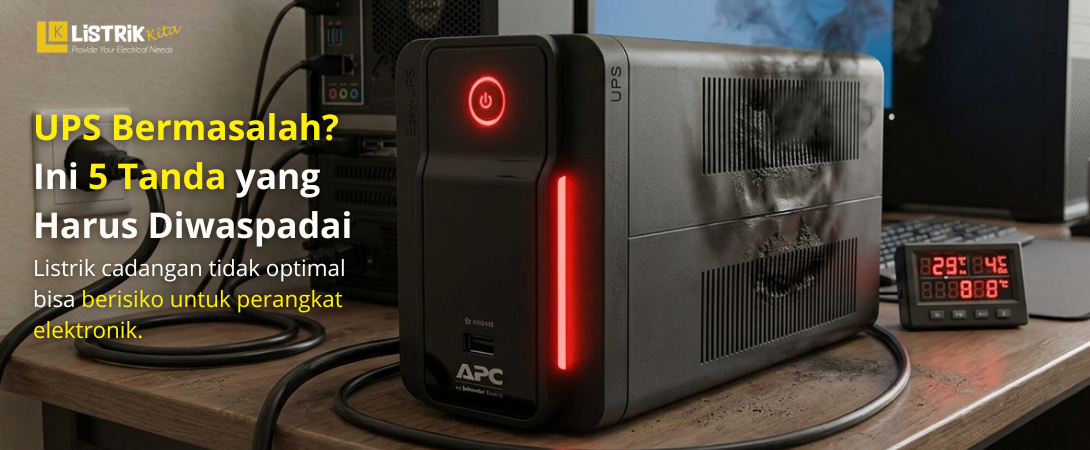
A UPS or Uninterruptible Power Supply is an important device that keeps electronic equipment running during a power outage. It is commonly used for computers, servers, CCTV systems, and other important devices to prevent sudden shutdowns and data loss. However, like any electronic equipment, a UPS can also develop problems over time.
Many people only notice their UPS has a problem once it completely stops functioning. In fact, there are several warning signs that can be noticed earlier. By understanding these signs, you can prevent more serious damage and keep your devices protected.
UPS Keeps Beeping Continuously
One of the most common signs of a faulty UPS is a nonstop alarm sound. Normally, a UPS only beeps briefly during a power outage or when the battery is running low. If the beeping continues constantly, it may indicate a problem inside the unit.
This issue can be caused by a weak battery, overloaded power usage, or damaged internal components. In some cases, the UPS may also trigger an alarm because the internal temperature is too high.
If this happens, check the battery condition and reduce the connected load immediately. Ignoring the warning sound may lead to more serious damage.
Swollen UPS Battery
A swollen UPS battery is a clear sign that the battery is no longer in good condition. This usually happens because of old battery age, overcharging, or excessive heat exposure.
A swollen battery can reduce UPS performance and may even leak, damaging other internal parts. In severe situations, it could also increase the risk of electrical short circuits.
For safety reasons, always inspect the physical condition of the battery regularly. Replace it immediately if you notice any swelling or shape changes.
UPS Does Not Turn On During a Power Outage
A UPS should automatically provide backup power when the main electricity goes out. If your devices shut down immediately during a blackout, the backup system is likely failing.
This problem is often caused by an expired battery or a damaged inverter. Faulty charging systems and loose wiring can also prevent the UPS from supplying power properly.
You can test the UPS by unplugging the main power source. If the UPS cannot keep the device running even for a short time, it may require repair or replacement.
UPS Still Does Not Work After Replacing the Battery
Many people assume every UPS problem is related to the battery. However, there are cases where a new battery has been installed but the UPS still does not function.
This condition may be caused by a damaged motherboard, blown fuse, faulty charger, or inverter problems. Incorrect battery installation can also prevent the UPS from turning on.
If this issue occurs, the internal components should be checked carefully. Proper maintenance can help avoid further damage to connected devices.
UPS Body Feels Hot or Gives Electric Shock
A UPS that becomes excessively hot during operation should not be ignored. This usually happens because of blocked ventilation, cooling fan failure, or excessive power load.
If the UPS body feels like it is giving a mild electric shock, it may indicate electrical leakage. This can be dangerous and increase the risk of electric shock or equipment damage.
Always place the UPS in a well ventilated area and ensure proper grounding installation. Stop using the UPS immediately if it feels unusually hot or electrically unsafe.
How to Keep a UPS Durable
Regular maintenance can help extend the lifespan of your UPS. Always use the UPS according to its recommended power capacity and avoid overloading it. Keep the device in a dry area with good airflow.
Routine battery inspection is also important to maintain stable performance. Do not wait until the UPS completely fails before replacing the battery or servicing the unit.
If you need a dependable UPS for home, office, or industrial applications, Listrik Kita offers a wide range of quality options. They provide various UPS options to help protect your electronic devices from sudden power failures.
