


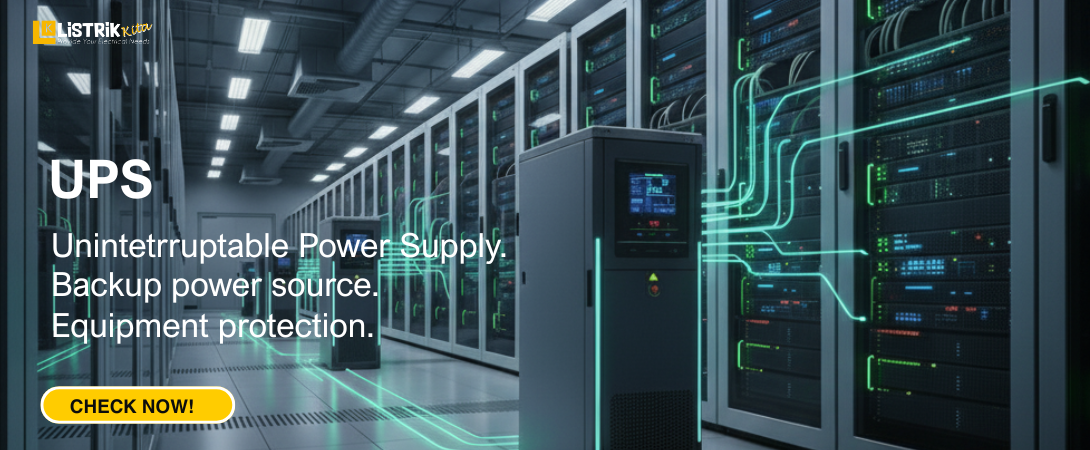
A UPS or Uninterruptible Power Supply is an electronic device that works as a backup power source while also protecting important equipment. In simple terms, a UPS can be compared to an emergency battery that instantly activates when the main power supply goes out.
With a UPS, devices such as computers, servers, routers, and other critical electronics can stay on for a short period. This extra time allows users to save their work, close applications, and shut down devices safely without the risk of losing data or damaging the system.
A UPS is not only useful during a blackout but also plays a key role in maintaining stable power on a daily basis. This is why UPS units are widely used at home, in offices, and in industrial environments.
Why Is Stable Electricity So Important?
We often assume that electricity from the utility company is always stable, but that is not the case. Power supply can fluctuate, suddenly spike, or even go out completely. These conditions create risks, especially for sensitive electronic devices.
Some of the consequences of unstable electricity include:
-
Component Damage
Electronics like computers, TVs, refrigerators, and gaming consoles are designed to run within specific voltage limits. A sudden spike or drop in power can permanently damage their internal components. -
Data Loss
A sudden outage while a computer is running can cause unsaved files to disappear. Even worse, the operating system can become corrupted, making the device unusable. -
Shortened Device Lifespan
When exposed to unstable electricity, devices are forced to work harder than normal. Over time, this reduces their overall lifespan.
By using a UPS, these risks can be reduced because the device acts both as a stabilizer and a protector.
Functions of a UPS as a Power Stabilizer and Device Protector
Many people think a UPS is only useful as a backup power supply during outages. In fact, one of its most important roles is to stabilize electricity so devices stay safe. Here are the main functions of a UPS:
Protecting Devices from Power Surges or Spikes
A UPS is equipped with protection systems that absorb sudden voltage surges, such as those caused by lightning or when a high-power appliance is turned on. Without this protection, sensitive components like motherboards or hard drives can fail within seconds.
Regulating Fluctuating Voltage
In areas where electricity is unstable, voltage often drops (brownouts) or rises above normal limits. A Line-Interactive UPS automatically corrects these fluctuations by either boosting low voltage or reducing high voltage. This process happens without switching to the battery, which makes it more efficient and reliable.
Providing Safe Shutdown Time (Backup Power)
When the main power goes completely out, the UPS immediately switches to battery mode. The backup time usually ranges from 5 to 20 minutes, giving users enough time to save documents, close software, and shut down computers properly. This prevents data corruption and hardware damage.
Extending Device Lifespan
Because it stabilizes power and prevents damage, a UPS indirectly helps devices last longer. By minimizing wear and tear from unstable electricity, users save money on repairs and replacements in the long run.
When Should You Use a UPS?
A UPS is highly recommended for devices that are critical or valuable. Examples include:
-
Desktop computers and laptops, especially for design, editing, or gaming.
-
Servers, whether for business, online stores, or personal use.
-
Networking equipment such as modems, routers, and switches, so the internet does not go down immediately during an outage.
-
Medical devices at home that require continuous power.
-
Entertainment systems like modern TVs, gaming consoles, and home theater setups.
With a UPS, all these devices are better protected against electrical issues.
Tips for Choosing the Right UPS
To make sure a UPS performs effectively, you need to choose the right one for your needs. Consider these factors before buying:
Check the Capacity (VA/Watt)
UPS capacity is measured in VA (Volt-Ampere) or Watts. Make sure the total power requirement of your devices does not exceed the UPS capacity. For example, a standard desktop PC typically requires a UPS with at least 600–800 VA.
Consider the Backup Duration You Need
The backup time mainly depends on the battery capacity, which is measured in Ampere-hour (Ah). Some UPS models also support external batteries for longer backup duration. Ask yourself how much time you need to safely shut down or keep devices running during an outage.
Choose the Right Type of UPS
-
Standby/Offline UPS
Best for basic needs such as home PCs. More affordable, but slower to respond to power issues. -
Line-Interactive UPS
The most popular option, equipped with an Automatic Voltage Regulator (AVR). Ideal for areas with frequent voltage fluctuations. -
Online/Double-Conversion UPS
Provides the highest level of protection by always delivering clean and stable power. Commonly used for servers, data centers, or highly critical environments. Although more expensive, the quality justifies the price.
The role of a UPS extends far beyond that of a basic backup battery for computer systems. It is an essential shield that protects valuable electronics from the dangers of unstable power. With its ability to regulate voltage, absorb surges, and provide safe shutdown time, a UPS is a reliable safeguard for both devices and data.
Using a UPS is a long-term investment in protecting your equipment, securing important data, and maintaining productivity. By choosing the right capacity and type, you can work or enjoy entertainment without worrying about power problems.
Discover a wide range of UPS solutions such as UPS APC, UPS Socomec and many other brands only at Listrik Kita!
