


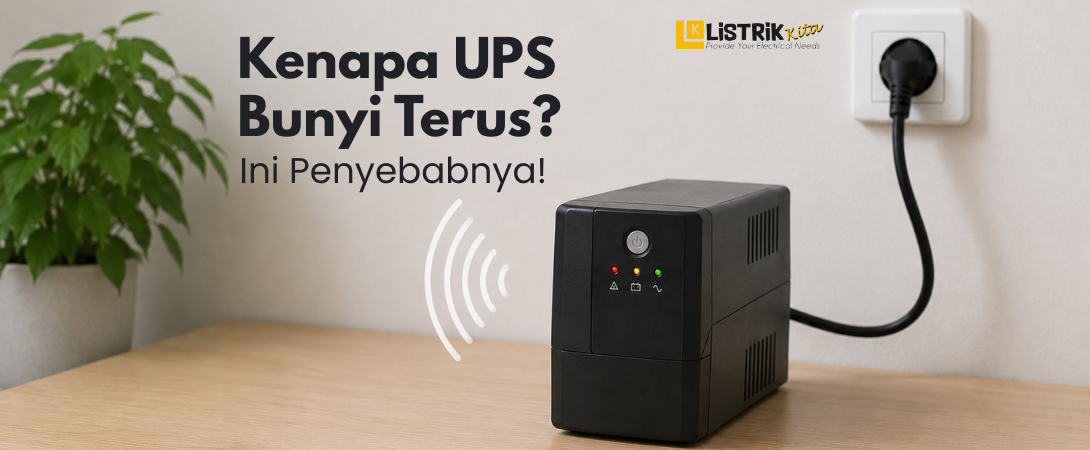
A UPS or Uninterruptible Power Supply is an important device used to keep electronic equipment running during a power outage. However, many users become worried when the UPS keeps making a continuous beeping sound. The alarm sound may actually be a sign of normal operation or an indication of a particular issue. Understanding the causes of a UPS beeping continuously can help you maintain the device properly and extend its lifespan.
Causes of a UPS Beeping Continuously
The UPS Is Running on Battery Power
One of the most common reasons a UPS beeps is because it is operating using battery power. This usually happens when the main electricity goes out or the voltage becomes unstable. During the power switch process, the UPS will produce a beeping sound to notify the user.
This sound is normal because the UPS is protecting connected electronic devices from sudden power loss. If the outage lasts longer, the UPS will continue beeping to remind users to save their work and safely shut down their equipment before the battery runs out.
If the UPS keeps beeping frequently despite a normal power supply, unstable electricity in the area may be forcing the device to switch to battery mode repeatedly.
Weak Battery or Battery Replacement Needed
A UPS may also beep continuously because the battery condition has weakened over time. As the battery ages, its ability to store power decreases, making the UPS less effective. Most UPS batteries generally last between 2 and 5 years depending on usage and maintenance.
Common symptoms of a damaged UPS battery include shorter backup performance, the UPS shutting down suddenly during blackouts, or persistent beeping even when the electricity supply is stable. Ignoring these signs can reduce the UPS performance and leave connected devices less protected.
Replacing the battery with the correct specifications is recommended to restore the UPS performance.
Overload or Excessive Power Load
Connecting too many devices to a UPS can also trigger continuous alarm sounds. An overload occurs when the total power demand exceeds the UPS capacity.
For example, a small UPS may be used for multiple computers, printers, and other electronics at the same time. This forces the UPS to work harder and activates the alarm as a warning.
If overload conditions continue, the UPS may overheat and its internal components may wear out faster. To prevent this issue, always choose a UPS capacity that matches your power requirements.
Internal Problems or System Errors
In some cases, the beeping sound may be caused by internal damage or system errors. Problems such as cooling fan failure, damaged components, or poor ventilation causing overheating can trigger UPS alarms.
This condition is often accompanied by warning indicators or error lights on the UPS display. If the alarm continues after basic troubleshooting, the UPS should be checked by a technician to avoid further damage.
Should a UPS Be Turned Off When Not in Use?
A UPS Can Stay On If Used Regularly
In general, a UPS can remain powered on safely, particularly when it supports equipment that is used regularly such as office PCs, servers, or security devices. Regular usage can even help maintain battery activity.
However, routine maintenance is still important. Cleaning dust, ensuring good airflow, and checking the battery condition regularly can help extend the UPS lifespan.
Turn Off the UPS If It Will Not Be Used for a Long Time
If the UPS will not be used for an extended period, turning it off is recommended to reduce power consumption and maintain battery health. The UPS should also be stored in a dry place away from excessive heat.
Before using it again, recharge the battery fully to maintain optimal performance. This basic practice can help maintain the UPS performance and extend its overall lifespan.
A high quality UPS provides better protection for electronic devices at home or in the office. If you are looking for a reliable UPS with dependable performance, you can explore various UPS options at Listrik Kita.
